When I first started thinking seriously about selling digital products online, one question kept coming up:
How are people actually going to find them?
Because creating the product is only one part of the job.
You can spend days making a beautiful ebook, printable, template, or guide. You can build the prettiest sales page imaginable. But if nobody knows it exists, you’re basically opening a cute little shop in the middle of nowhere and forgetting to put up a road sign. 😂
That’s one reason I love the idea of using Pinterest alongside a digital product business.
Pinterest gives you another way to put your content in front of people who are actively looking for ideas, inspiration, and solutions.
And unlike building a personal influencer brand, you don’t necessarily need to make yourself the center of the content.
That’s especially appealing to me because I’ve built faceless pages on Instagram and Facebook, grown audiences, gotten monetized, and made money without showing my face.
Now, I’m using that same faceless-business mindset with blogging and Pinterest.
If you want to learn how to sell digital products on Pinterest, this beginner guide will show you the basic pieces to put in place.
Not an overwhelming 63-step funnel.
Just a practical place to start.
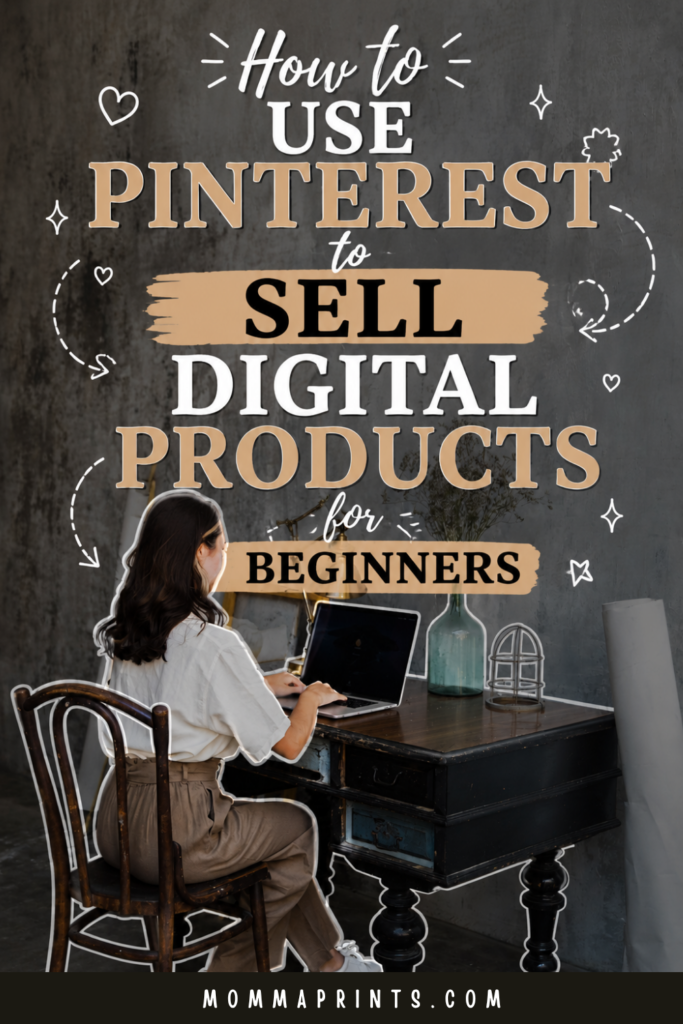
If you have Pinterest, would you mind saving this image for me? 😊
Can You Really Sell Digital Products on Pinterest?
Pinterest can be used to promote digital products and send interested visitors toward your website, blog content, product pages, or other appropriate destinations.
The important word here is promote.
Pinterest isn’t a magic button where you upload a Pin tonight and wake up tomorrow to 200 sales.
Think of it more like a discovery tool.
Someone searches for an idea.
They find your Pin.
The Pin catches their attention.
They click.
Then your website or landing page does the next part of the work.
Your basic journey might look like:
Pinterest Pin → Blog Post → Digital Product
Or:
Pinterest Pin → Product Page
Another option is:
Pinterest Pin → Blog Post → Email List → Digital Product
You don’t need to build every path at once.
Step 1: Start With a Product People Actually Need
Before worrying about Pinterest keywords, make sure you’re promoting something that solves a clear problem.
Digital products might include:
- Ebooks
- Printables
- Canva templates
- Planners
- Workbooks
- Checklists
- Guides
- Content calendars
- Digital downloads
Ask yourself:
Who is this for?
Then:
What problem does it help solve?
A product described as “My Amazing 50-Page Planner” isn’t as immediately clear as:
“30-Day Content Planner for Busy Creators.”
The second version tells me who might need it and why.
That clarity will help with your Pinterest content too.
Step 2: Think About What Your Customer Searches For
This is one of the biggest mindset shifts when you want to sell digital products on Pinterest.
Don’t only think about what you want to promote.
Think about what your potential customer wants to find.
Let’s say you sell social media templates.
Your audience may search for topics around:
Instagram content ideas
Canva social media templates
Content planning
Faceless Instagram ideas
Social media content calendar
Those topics can become Pins and blog posts that lead people into your business.
You aren’t constantly saying:
BUY MY TEMPLATE!
You’re meeting people while they’re searching for help with the problem your template addresses.
Step 3: Use Pinterest Keywords Naturally
Pinterest needs context to understand your content.
That’s where keywords become useful.
Start by thinking about the main phrase that describes your Pin.
Then use closely related phrases naturally where appropriate, such as in your Pin title, description, board organization, and the content on the page you’re sending people to.
Avoid turning descriptions into giant piles of keywords.
Something like:
digital products digital products Pinterest passive income Canva templates make money online Pinterest tips
isn’t helpful to a human reader.
Instead, write naturally:
Learn how to create and sell Canva digital products with beginner-friendly ideas for templates, printables, and online downloads.
Keywords should explain the content, not make it unreadable.
Step 4: Create Boards Around Clear Topics
Your Pinterest boards should make sense for the content you’re publishing.
For example, here on MommaPrints, digital-product content can fit into boards focused on topics such as:
Digital Products to Sell
Sell Digital Products on Pinterest
Then faceless Instagram content belongs in a board centered around faceless Instagram.
Clear board topics help organize your content for both your audience and Pinterest.
Avoid creating dozens of random boards simply because you can.
I’d rather have fewer focused boards that I can consistently fill with useful content.
Step 5: Create Pins People Understand Quickly
Pinterest is visual, but your Pin doesn’t need to become a graphic-design masterpiece.
Clarity matters more.
Imagine you’re promoting a blog post about Canva products.
Instead of writing:
DIGITAL PRODUCT TIPS
on the Pin, try:
25 Digital Product Ideas You Can Create in Canva
Now the person scrolling knows exactly what they’ll get.
Use:
Large readable text
A clear headline
Good contrast
A simple layout
Relevant visuals
Remember that many people will see your Pin on a phone.
If your title requires a magnifying glass, it’s probably too small. 😂
Step 6: Create Multiple Pins for One Blog Post
One blog post doesn’t have to equal one Pin forever.
This is where Pinterest can fit nicely with blogging.
Let’s say you publish:
How to Create and Sell Digital Products Online as a Beginner
You might create several fresh Pin designs or angles around that article.
For example:
How Beginners Can Start Selling Digital Products Online
A Simple Beginner Roadmap for Creating Your First Digital Product
Want to Sell Digital Products? Start With These Steps
The destination can be the same relevant article, while the creative and messaging explore different angles.
That gives you more opportunities to learn which topics and designs connect with your audience.
Step 7: Use Blog Posts to Warm Up Your Audience
This is probably my favorite strategy.
Instead of asking a complete stranger to immediately buy something, help them first.
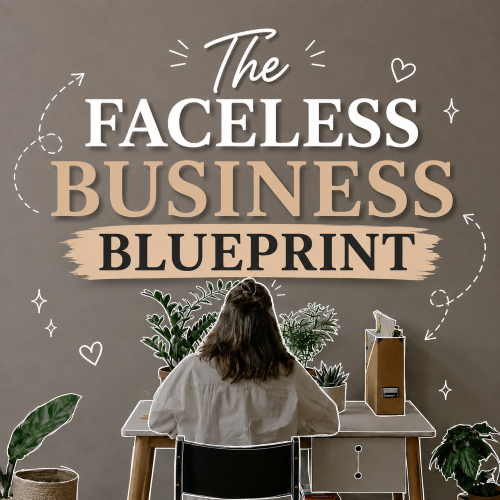
Let’s say I’m promoting The Faceless Business Blueprint: Build, Grow & Monetize a Social Media Brand Without Showing Your Face.
I could create helpful articles about:
Starting a faceless Instagram account
Choosing a profitable faceless niche
Creating faceless content
Growing a faceless page
Creating digital products
Monetizing a faceless brand
A Pinterest user discovers one of those articles because it answers something they’re already searching for.
While reading, they naturally learn that I have a deeper resource available.
That’s a much softer path than shouting:
BUY MY EBOOK!
everywhere.
Want the Deeper Faceless Business Roadmap?
If you’re building a digital product around a faceless social media brand, that’s exactly why I created:
The Faceless Business Blueprint: Build, Grow & Monetize a Social Media Brand Without Showing Your Face.
My free MommaPrints articles give you useful beginner starting points.
Inside the Blueprint, I go deeper into the how behind building your faceless presence, creating content, growing an audience, exploring monetization, and developing a business around your brand.
So if you’re still learning, keep enjoying the free guides.
When you’re ready to put more of those pieces together, the Blueprint is there.
Step 8: Connect Related Blog Posts Together
Don’t let every Pinterest visitor reach one article and hit a dead end.
Help readers find the next useful resource.
For example, someone reading about Pinterest and digital products might also want:
25 Digital Product Ideas You Can Create in Canva
Then they might read:
How to Create and Sell Digital Products Online as a Beginner
Next:
How to Start a Faceless Digital Product Business for Beginners
Those internal links make your website more useful because readers can continue exploring a topic.
They also create natural opportunities for visitors to discover your product without every paragraph becoming a sales pitch.
Step 9: Give Visitors a Reason to Join Your Email List
Not everyone who discovers you on Pinterest is ready to buy.
That’s normal.
Instead of losing that visitor forever, give them another way to stay connected.
Offer something useful that relates to your niche.
That might be:
A free template
A checklist
A mini guide
A resource list
A short training
Then you can continue helping subscribers through email.
Over time, they may return to your blog, discover new resources, or decide one of your paid products is right for them.
Step 10: Make Sure the Landing Page Matches the Pin
Imagine clicking a Pin that promises:
25 Canva Digital Product Ideas
Then you land on a page selling an unrelated Instagram course.
Confusing.
Your Pin and destination should make sense together.
If the Pin promotes a blog article, send visitors to that article.
If you’re directly promoting a product, make sure the Pin accurately represents the product page.
Consistency builds trust.
It can also help visitors immediately understand they’re in the right place.
Step 11: Create Pinterest Content Consistently
You don’t need to spend your entire day pinning.
Create a schedule you can realistically maintain.
Batching helps.
For example, you might write several Pin titles together.
Then create multiple graphics in Canva.
Next, prepare your descriptions.
Finally, organize or schedule your content.
Working in batches is much easier for me than jumping into design mode every single day.
As moms, we already have enough things interrupting our train of thought. 😂
Step 12: Watch Which Pins Bring Clicks
Pinterest impressions can feel exciting.
But if your goal is website traffic and eventually sales, look beyond that one number.
Pay attention to the analytics Pinterest makes available for your content.
Which Pins are generating outbound clicks?
What topics seem to attract the right visitors?
Which designs perform better?
Are certain headlines getting more attention?
Use that information to guide your next content batch.
Don’t simply create what looks pretty.
Create more of what helps people take the next useful step.
Step 13: Don’t Expect Every Pin to Sell
This is important if you’re learning to sell digital products on Pinterest.
Not every Pin needs to promote a product directly.
Some Pins can bring people to educational content.
Others may lead to a free resource.
A smaller number can promote relevant products more directly.
Think of your Pinterest account as an ecosystem.
Your helpful content builds discovery and trust.
Your website provides deeper information.
Your email list keeps the relationship going.
Your product offers the next solution for people who want more.
Give Pinterest Time
Pinterest can require patience.
Don’t publish five Pins, wait four days, and decide the entire strategy doesn’t work.
Create useful content.
Test different Pin designs and headlines.
Keep your topics relevant to your business.
Watch your analytics.
Improve as you learn.
You’re building a library of content that gives people more ways to discover your website and products.
Final Thoughts
If you want to sell digital products on Pinterest, start by thinking beyond the sale.
Create something useful.
Understand who needs it.
Find the topics that audience searches for.
Create clear Pins.
Publish helpful blog content.
Build an email list.
Then connect those pieces back to your product naturally.
You don’t need to become an influencer.
Your face doesn’t have to be on every Pin.
And you certainly don’t need to spend all day promoting your product.
Pinterest can simply become one part of a larger faceless business strategy.
Start with one product.
One useful article.
A few strong Pins.
Then build from there.
Ready to Build Your Faceless Business?
If you want to go deeper than this beginner roadmap, take a look at:
The Faceless Business Blueprint
Build, Grow & Monetize a Social Media Brand Without Showing Your Face
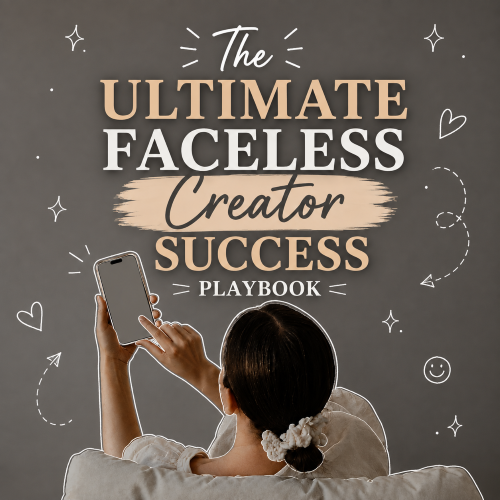
I created it for beginners who want the deeper how behind building a faceless presence, creating purposeful content, growing an audience, exploring monetization, and developing an online business without making themselves the center of the brand.
My experiences are my own, and results aren’t guaranteed. Pinterest traffic, reach, sales, income, growth, and monetization vary based on your niche, content, products, marketing, demand, platform changes, and other factors.
Keep Reading on MommaPrints
Continue building your digital product business with these related guides:
- How to Start a Faceless Digital Product Business for Beginners
- 25 Digital Product Ideas You Can Create in Canva
- How to Create and Sell Digital Products Online as a Beginner
- How to Sell Digital Products on Instagram Without Showing Your Face
Get Free Templates, Tips & Training 💌
Subscribe to MommaPrints for free templates, helpful tips, and beginner-friendly training, plus exclusive freebies, early product drops, and special discounts on MommaPrints digital products.
Follow MommaPrints on Pinterest 📌
Follow MommaPrints on Pinterest for digital product ideas, Pinterest marketing tips, faceless business strategies, Canva inspiration, online business ideas, and beginner-friendly ways to grow without showing your face.