I remember when the idea of selling digital products sounded way more complicated than it actually needed to be.
What would I even sell?
Where would I sell it?
Would anyone buy it?
Do I need thousands of followers first?
And then you start researching and suddenly someone is telling you that you need seven income streams, an email funnel, 100 Instagram Reels, a $97 course, and apparently a CEO morning routine that starts at 4:30 a.m.
Ma’am. I have a child. 😂
If you’ve been wanting to create and sell digital products but keep getting overwhelmed by all the information online, I want to simplify it for you.
I’m a stay-at-home mom building my own online business, and one thing I’ve learned is that you don’t need to have every piece figured out before you begin.
Your first product doesn’t need to be perfect.
You don’t need 50 products.
And you definitely don’t need to become an influencer.
You need one useful idea, one person you want to help, and somewhere for that person to buy it.
So let’s walk through what the process actually looks like.
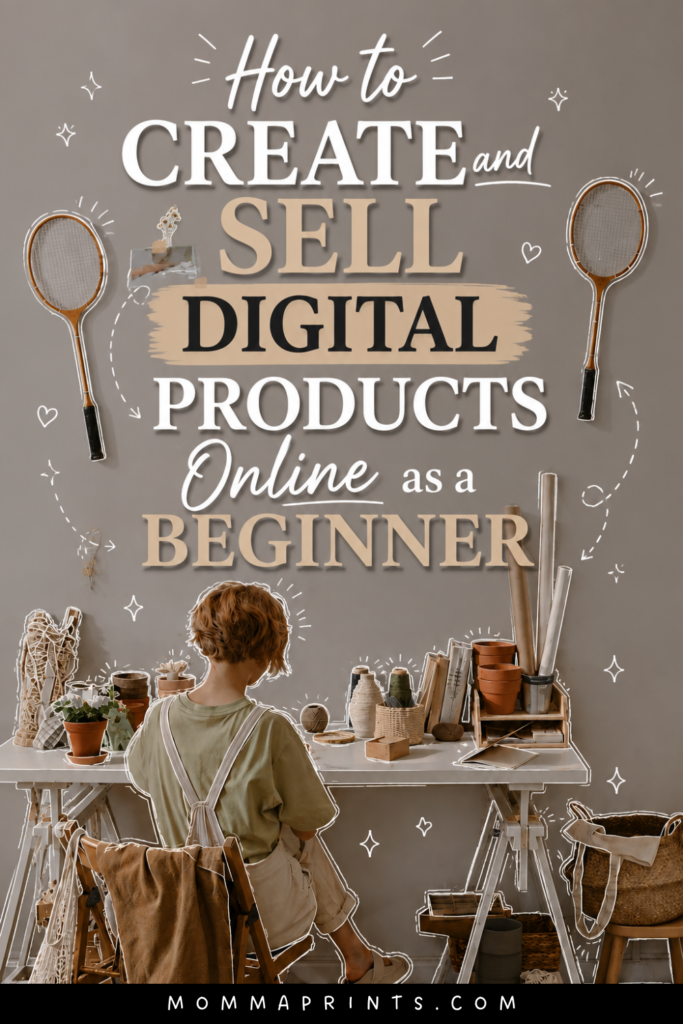
If you have Pinterest, would you mind saving this image for me? 😊
What Is a Digital Product?
A digital product is something your customer purchases and receives electronically instead of getting a physical item shipped to them.
Some common examples include:
- Ebooks
- Guides
- Printables
- Canva templates
- Planners
- Workbooks
- Checklists
- Content calendars
- Digital journals
- Online courses
One reason I love this business model is the flexibility.
You can create something from your laptop, set up a system for customers to purchase and access it, and market it through content you create online.
No boxes piled up in your living room.
No shipping labels.
No realizing at 9 p.m. that you’re out of packing tape. 😂
That doesn’t mean digital products are effortless or guaranteed passive income. You still need to create, market, update, and support your products.
But they’re a very approachable option for someone wanting to start an online business from home.
Step 1: Decide Who Your Product Is For
Before opening Canva, start with the person.
This step will save you SO much time.
Ask yourself:
Who am I trying to help?
Not:
What pretty thing can I make in Canva today?
There’s a difference.
Maybe your audience is busy moms.
New bloggers.
Faceless content creators.
Teachers.
Small-business owners.
People trying to organize their homes.
Once you know who you’re helping, it’s much easier to think about what they might actually want to buy.
Step 2: Find One Problem You Can Solve
The easiest way I’ve found to think about digital product ideas is:
Problem → Simple Solution
For example:
Problem: A creator never knows what to post.
Product: 30-day content planner.
Problem: A busy mom struggles with meal planning.
Product: Printable meal planner and grocery organizer.
Problem: Someone wants to build a faceless social media page but doesn’t know where to begin.
Product: A beginner roadmap that teaches the process.
That last example is exactly why I created The Faceless Business Blueprint.
It connects directly with what I already share through MommaPrints and goes deeper into the how for people who want more than individual blog posts and tips.
Your product should have that same natural connection to your audience.
Step 3: Choose Your First Digital Product
When you’re learning to create and sell digital products, don’t start by making the biggest thing possible.
Start with something you can actually finish.
Your first product could be a:
Checklist: Great for a simple process.
Template: Helpful when people want to save time.
Planner: Useful for organizing something.
Mini guide: Perfect for answering one specific question.
Ebook: Better when the topic needs more explanation.
Workbook: Useful when customers need to take action as they learn.
Choose the format based on the problem, not because somebody on TikTok said ebooks are making everyone rich this week.
😂
Step 4: Validate Your Idea Before Spending Weeks Creating It
You don’t need a giant market research project.
Pay attention to what people are already asking.
Search your topic on Pinterest.
Look at Google suggestions.
Read comments on social media.
Look at questions in your niche.
Check which of your own posts receive saves, shares, clicks, or questions.
You’re looking for evidence that people actually care about the problem.
If your audience constantly asks:
“How do I start a faceless page?”
That’s a clue.
If they keep saving your content-planning tips, that’s another clue.
Your audience is often telling you what they need, you just have to pay attention.
Step 5: Create the Product
Now you can finally open Canva. 😂
Keep the first version simple.
If you’re creating an ebook or guide, outline it before designing.
For example:
Introduction → Problem → Steps → Examples → Action Plan → Next Steps
Write the useful information first.
Make it pretty second.
A beautiful 50-page ebook that doesn’t solve anything isn’t more valuable than a clear 15-page guide that gives someone exactly what they needed.
And don’t feel like you have to teach everything you know.
Solve the problem you promised to solve.
That’s enough.
Want to Build a Faceless Business Around Your Product?
Creating a digital product is one thing.
Building an audience that can actually discover it is another.
That’s where faceless social media can become really useful.
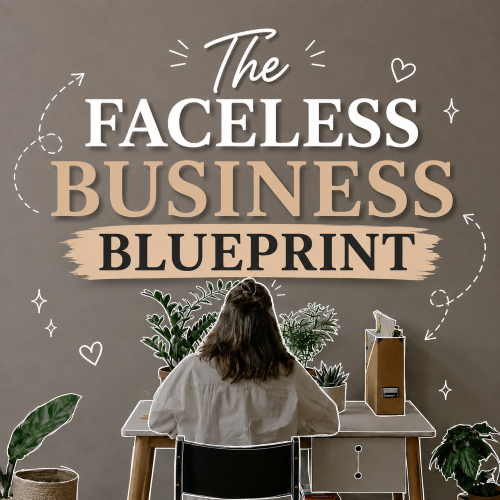
Inside The Faceless Business Blueprint. I go deeper into building your faceless presence, content, growth, monetization, and creating a business around the audience you’re building.
This blog gives you the beginner roadmap.
The Blueprint is there when you’re ready for the deeper how.
Step 6: Decide Where You’re Going to Sell It
Once your product exists, customers need somewhere to buy it.
Depending on your business, you might sell through your own website or use an ecommerce or digital-product platform.
Whatever you choose, make sure customers can clearly understand:
What the product is.
Who it’s for.
What they’ll receive.
How they’ll access it.
What problem it helps solve.
Your sales page doesn’t need to sound like an infomercial.
Clear beats clever.
Explain what you’ve created and why it might be useful.
Step 7: Price Your Digital Product
Pricing can make beginners freeze.
There isn’t one magical price that works for every digital product.
Consider things like:
- How much value it provides
- How specific the solution is
- What the product includes
- Your audience
- Similar products in the market
- Customer support involved
- Your positioning
Don’t price solely based on how many pages you created.
A five-page template that saves someone hours could potentially be more useful than a 75-page ebook filled with information they don’t need.
And remember, you can learn and adjust.
Your first price isn’t carved into stone forever.
Step 8: Create Content That Leads to Your Product
This is one of my favorite parts.
Instead of constantly posting:
BUY MY EBOOK! BUY MY EBOOK! BUY MY EBOOK!
…create content around the problems your ebook solves.
If you sell an Instagram content planner, post:
Content ideas.
Reel tips.
Planning tips.
Instagram mistakes.
Behind-the-scenes content planning.
Someone discovers you because the free content helped them.
They follow.
Maybe they read your blog.
Then eventually they discover your product.
That’s much more natural.
It’s also exactly how I’m approaching MommaPrints and The Faceless Business Blueprint.
I want the free content to genuinely help you even if you never purchase anything.
And if you’re ready for more guidance, there’s a deeper resource available.
Step 9: Use Pinterest to Bring People to Your Product
Pinterest can be especially helpful for digital-product businesses because people use it to search for ideas, tutorials, inspiration, and solutions.
Instead of only creating Pins that scream:
BUY MY PRODUCT!
create Pins leading to useful blog posts.
For example:
25 Digital Product Ideas You Can Create in Canva
15 Digital Products You Can Sell Online as a Beginner
How to Create and Sell Digital Products Online as a Beginner
A reader discovers the Pin through search, visits your blog, gets helpful information, and can then discover your related products naturally.
One blog post can also give you multiple Pin designs and titles to test over time.
Step 10: Build an Email List
Social followers are valuable, but I also like the idea of having a way to stay connected outside social media.
That’s where an email list comes in.
You can offer something useful for free. A checklist, template, mini guide, or other resource, in exchange for someone choosing to subscribe.
Then you can share:
New blog posts.
Helpful tips.
Free resources.
New products.
Special offers.
The goal isn’t to bombard someone’s inbox with sales emails.
Think of email as another way to continue the relationship you’ve already started through your content.
What I Would NOT Do as a Beginner
If you’re just learning to create and sell digital products, here’s what I wouldn’t do:
Don’t Create 10 Products at Once
Finish one.
Learn from it.
Then create another.
Don’t Copy Someone Else’s Product
Get inspiration from your market, but create something original based on your own knowledge, audience, and approach.
Don’t Spend Months Perfecting the Design
Your customer is buying the solution, not your ability to perfectly align a decorative flower in Canva.
I say this as someone who could absolutely spend 45 minutes moving one tiny design element. 😂
Don’t Expect Instant Passive Income
You still need traffic, marketing, audience trust, and a product people actually want.
Digital products can become scalable, but that doesn’t mean money automatically appears because you uploaded a PDF.
You Don’t Need a Huge Audience to Begin
This is another misconception that stops people.
You don’t necessarily need tens of thousands of followers before creating your first product.
A smaller, targeted audience can still be valuable.
I’d rather have people who genuinely care about the problem I’m solving than a giant audience that has no interest in what I’m selling.
Start building around the right people, not just the biggest number.
Final Thoughts
Learning to create and sell digital products doesn’t require building an entire online empire overnight.
Start much smaller.
Choose your audience.
Find one problem.
Create one helpful product.
Set up somewhere to sell it.
Then start creating content that helps the same type of person your product was designed for.
That’s your foundation.
Your first product probably won’t be perfect.
Mine wasn’t created because I magically knew everything about digital business from Day 1 either.
You learn by doing.
Create.
Launch.
Pay attention.
Improve.
Then build from there.
Ready to Build the Business Behind Your Digital Product?
If you want to go deeper into building an audience through faceless social media, creating content, growing your pages, exploring monetization, and turning that attention into an online business, check out:
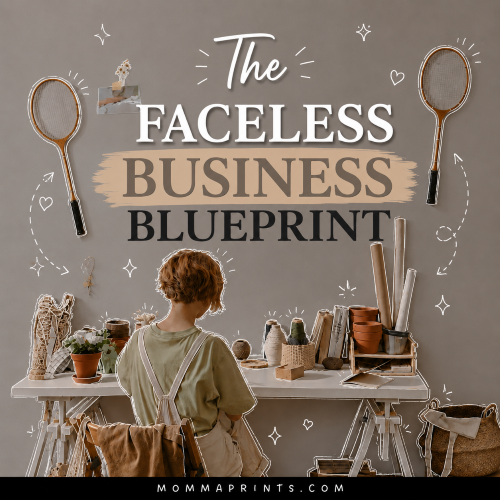
The Faceless Business Blueprint
I created it for beginners who want a clearer roadmap without having to make themselves the face of their business.
Results aren’t guaranteed. Sales and income vary based on your product, audience, pricing, marketing, demand, platform policies, and other factors.
Keep Reading on MommaPrints
Continue your digital-product journey:
→ 15 Digital Products You Can Sell Online as a Beginner
→ 25 Digital Product Ideas You Can Create in Canva
→ 7 Ways to Make Money on Social Media Without Showing Your Face
→ How to Make Money With a Faceless Instagram Account
Get Free Templates, Tips & Training 💌
Free Templates. Free Tips. Free Training. All for You.
Subscribe to MommaPrints to unlock exclusive freebies, early product drops, helpful online-business tips, and special discounts on MommaPrints digital products.
Follow MommaPrints on Pinterest 📌
Follow MommaPrints on Pinterest for digital product ideas, Canva tips, faceless business strategies, Pinterest marketing, online side hustles, and beginner-friendly ways to build an online business.