If you’ve ever opened Canva to make one little Instagram post and somehow ended up designing for two hours…
We might be the same person. 😂
Canva is one of my favorite tools because you don’t have to be a professional graphic designer to create something that looks put together.
And once you start looking beyond social media graphics, you realize:
Wait. I can create actual PRODUCTS in here?
Yep.
As a stay-at-home mom building an online business, I love tools that allow me to create from my laptop without needing complicated software. And if you’re interested in selling digital downloads, Canva can be a really beginner-friendly place to start.
There are so many Canva digital products you can create, from ebooks and planners to social media templates and printable checklists.
The hardest part might actually be deciding which one to make first.
So today I’m giving you 25 ideas.
This isn’t going to be a massive tutorial on designing, marketing, and selling every single product. Think of it as your beginner idea bank so you can figure out what kind of product might fit your skills and audience.
Let’s find your first idea.
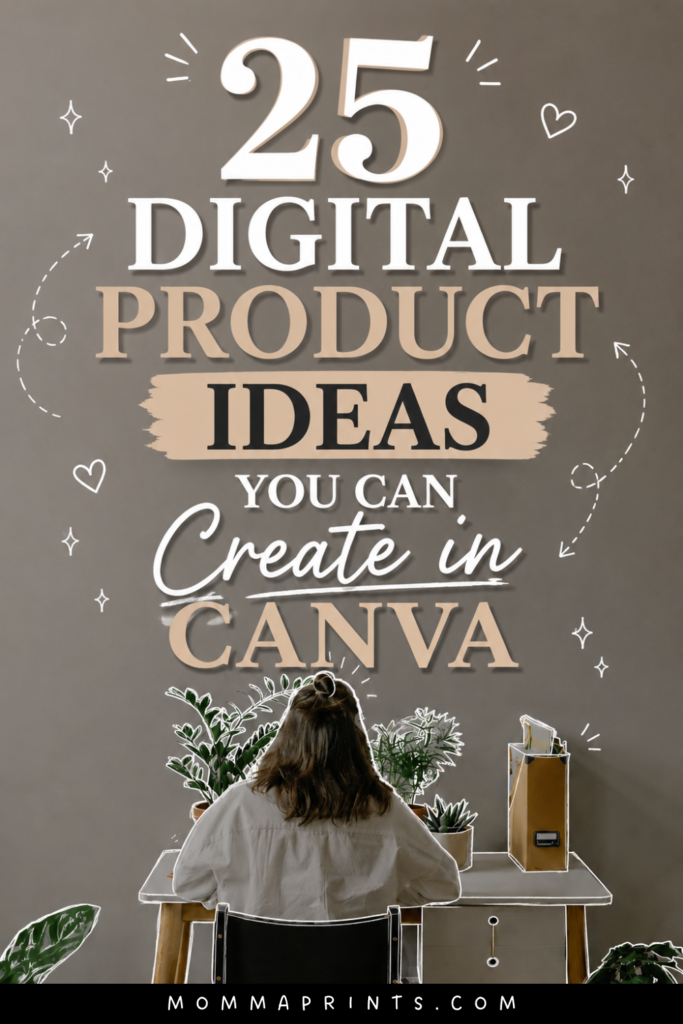
If you have Pinterest, would you mind saving this image for me? 😊
- What Are Canva Digital Products?
- 25 Canva Digital Products You Can Create
- Which Canva Product Should You Create First?
- Canva Doesn't Build the Business for You
- 5 More Canva Digital Product Ideas
- A Simple Beginner Roadmap
- Can You Sell Canva Templates?
- How to Promote Canva Digital Products Without Showing Your Face
- Final Thoughts
- Ready to Build a Faceless Business Around Your Digital Products?
- Get Free Templates, Tips & Training 💌
What Are Canva Digital Products?
A Canva digital product is something you design using Canva and deliver to your customer digitally rather than physically shipping an item.
Depending on the product, the customer might receive a PDF, printable file, presentation, or access to an editable template.
The big appeal?
There’s no physical inventory sitting in your house.
No boxes.
No packing tape.
No emergency trip to the post office five minutes before closing. 😂
But digital doesn’t mean effortless.
You still need to create something useful, understand your audience, market it, and make sure you’re following Canva’s current licensing and content rules for anything you plan to sell.
With that said, here are some ideas.
25 Canva Digital Products You Can Create
1. Ebooks
If you have knowledge or experience that can help someone solve a problem, turn it into an ebook.
Think recipes, organization, social media, parenting, business, productivity, travel, or another topic you know well.
Keep your first ebook focused on one clear result instead of trying to write an encyclopedia.
2. Printable Planners
You could create weekly, monthly, meal, business, content, cleaning, or goal-setting planners.
The best planner isn’t necessarily the one with 75 pages.
It’s the one that helps a specific person stay organized.
3. Digital Planners
Prefer something designed for digital use?
Create planner pages intended to be used on compatible devices or note-taking apps.
Just make sure customers clearly understand what they’re purchasing and what software they may need.
4. Social Media Templates
Create customizable templates for Instagram posts, Stories, carousels, Pinterest Pins, Facebook graphics, or other social content.
You can niche them down even further.
For example:
Instagram templates for hairstylists is much more specific than social media templates.
5. Pinterest Pin Templates
Bloggers and online business owners need Pins—and not everybody wants to design them from scratch.
You could create template packs with different layouts customers can customize with their own photos, colors, and titles.
6. Instagram Story Templates
Create templates for polls, announcements, promotions, questions, testimonials, product launches, or everyday engagement.
These could work especially well for small-business owners who want a consistent visual style.
7. Instagram Carousel Templates
Carousels take time to design.
A ready-to-customize template pack can give creators a starting point for educational posts, lists, storytelling, or tutorials.
8. Workbooks
Workbooks combine information with action.
Your customer isn’t just reading, they’re answering questions, brainstorming, planning, or completing exercises.
They can work well for business, goal setting, productivity, content planning, or personal development.
Which Canva Product Should You Create First?
Before we keep going, I want you to avoid one mistake:
Choosing a product just because somebody online said it’s profitable.
Start with your audience.
Ask:
What are they trying to accomplish?
What takes them too much time?
What are they confused about?
What could I create that would make something easier?
That’s how I like to think about digital products.
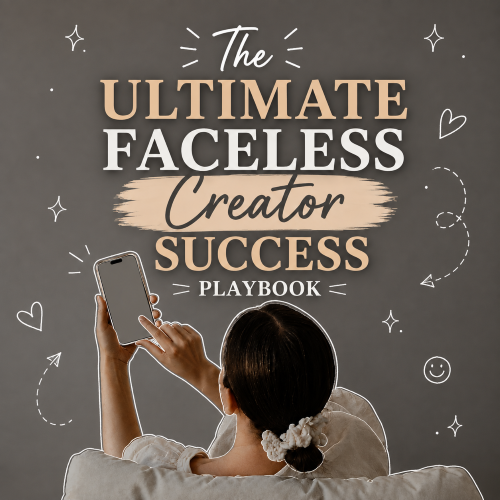
My The Faceless Creator Success Playbook, for example, fits the audience I’m building through MommaPrints because it goes deeper into the questions I’m already talking about here…faceless content, building an audience, monetization, digital products, and online business.
Your product should feel like a natural extension of your content too.
Now let’s get back to those ideas.
9. Checklists
Sometimes simple wins.
You could create:
Travel packing checklists
Home cleaning checklists
Content creation checklists
Moving checklists
Business launch checklists
People don’t always need 50 pages. Sometimes they want one organized page that tells them what not to forget.
10. Content Calendars
Help creators stop asking:
“What am I posting today?”
😂
Create a 30-day Instagram calendar, Reel planner, Pinterest calendar, blog planner, or niche-specific social media calendar.
11. Printable Wall Art
If you enjoy typography and design, printable artwork could be another option.
Think motivational sayings, nursery prints, seasonal decor, minimalist artwork, or kitchen prints.
Be careful with copyrighted phrases, characters, brands, and artwork, and make sure the assets you use allow your intended commercial use.
12. Business Planners
Help small-business owners organize goals, tasks, content, launches, expenses, or projects.
You could create one full planner or start with a smaller focused version.
13. Media Kit Templates
Creators and bloggers may need a professional way to present their audience, content, services, and collaboration information.
Create customizable media kit templates they can personalize.
14. Price List Templates
Service providers often need clean, easy-to-edit price sheets.
Think photographers, beauty businesses, virtual assistants, designers, bakers, or other small businesses.
15. Lead Magnet Templates
Business owners use free resources to attract subscribers.
You could create templates for:
Checklists, mini ebooks, cheat sheets, guides, or worksheets.
Make them easy for customers to rebrand and customize.
16. Printable Journals
Create guided journals around gratitude, goals, motherhood, business, productivity, or another specific theme.
Prompts can make the product more useful than simply providing blank pages.
17. Recipe Ebooks
If food is your thing, organize recipes into a beautiful downloadable collection.
You could niche it into quick dinners, meal prep, high-protein recipes, budget meals, lunch ideas, or another specific category.
18. Meal Planners
Create weekly meal planning pages, grocery lists, pantry inventory sheets, or meal-prep planners.
Busy families are often looking for anything that makes the “What are we eating tonight?” conversation easier.
19. Budget Planners
You can create general budgeting and organization templates such as monthly expense trackers, savings trackers, bill organizers, and budgeting worksheets.
Keep any financial claims responsible and avoid presenting generalized templates as personalized financial advice.
20. Printable Kids Activities
If you enjoy creating family content, consider coloring pages, activity sheets, scavenger hunts, matching activities, or simple educational printables.
Make sure activities are age-appropriate and any educational information is accurate.
Canva Doesn’t Build the Business for You
Here’s something worth remembering about Canva digital products:
Canva is the tool.
It isn’t the business strategy.
You can create the prettiest planner anyone has ever seen, but you still need to know:
Who is it for?
What problem does it solve?
Where will people discover it?
Why would they choose yours?
This is where content and audience-building become important.
You can use faceless Instagram, Pinterest, Facebook, a blog, email marketing, or other channels to create helpful content around the same problems your product solves.
That’s also part of the bigger picture I teach inside The Faceless Creator Success Playbook, not simply creating something, but thinking about the audience and business behind it.
5 More Canva Digital Product Ideas
21. Printable Labels
Create organizing labels for pantries, offices, classrooms, storage, or other spaces.
You could sell themed collections rather than individual designs.
22. Challenge Trackers
Think:
30-day declutter challenge
Savings challenge
Reading challenge
Content challenge
Habit challenge
Make the tracker simple, visual, and motivating.
23. Email or Newsletter Templates
You can create layout and copy-planning templates that help small-business owners organize newsletters, welcome sequences, or promotional campaigns.
24. Brand Kits & Style Guides
Create customizable worksheets or templates that help small businesses organize their brand colors, typography, visual direction, messaging, and content style.
This is different from reselling Canva’s own assets—you’re creating an original framework customers customize for their businesses.
25. Mini Guides
Don’t want to create a full ebook?
Create a shorter guide around one specific problem.
For example:
Beginner’s Guide to Planning 30 Days of Content
Quick Guide to Starting a Faceless Instagram Page
Simple Pinterest Checklist for New Bloggers
A smaller, focused resource can be a great first digital product.
A Simple Beginner Roadmap
Now you’ve got 25 ideas.
Please don’t create 25 products. 😂
Start here:
Step 1: Choose One Audience
Who are you helping?
Step 2: Identify One Problem
What are they struggling with?
Step 3: Choose the Simplest Useful Product
Could a checklist solve it?
A template?
An ebook?
Don’t automatically make something complicated.
Step 4: Create Your Product
Focus on usefulness and clarity before obsessing over making every page Pinterest-perfect.
Step 5: Create Content Around the Problem
If you’re selling a content planner, create free content about planning content.
If you’re selling Pinterest templates, create Pinterest tips.
Your product becomes the natural next step instead of a random sales pitch.
Can You Sell Canva Templates?
This is an area where I recommend checking Canva’s current licensing rules before selling anything because terms and product features can change.
Don’t assume that because something is available inside Canva, you automatically have unlimited rights to resell it.
There can be important differences between creating an original finished design and redistributing Canva content or templates.
Pay particular attention to licensing for fonts, photos, graphics, Pro content, templates, and other assets.
And remember: originality matters.
Don’t simply take someone else’s template, make tiny changes, and call it your product.
Create something genuinely yours.
How to Promote Canva Digital Products Without Showing Your Face
This is where everything fits together beautifully for a faceless business.
You could create:
Screen-recording tutorials.
Pinterest Pins.
Text Reels.
Carousels.
Product previews.
Before-and-afters.
Educational blog posts.
B-roll videos.
You don’t need to constantly say:
“BUY MY TEMPLATE!”
Instead, create useful content around the problem.
Help people first.
Then show them that you have a resource available if they want an easier or more detailed solution.
That’s the approach I prefer with MommaPrints.
Final Thoughts
If you’re interested in Canva digital products, don’t wait until you have the perfect idea, perfect brand, and perfect website before you start learning.
Choose something small.
Make it useful.
Create it for a specific person.
And learn from the process.
Your first product doesn’t have to become your bestseller.
It can simply teach you how digital products work.
Then you improve.
I’ve learned the same thing with faceless content: you figure out so much by actually doing it.
Start with one idea from this list.
Not 25.
Your laptop and your sanity…will thank you. 😂
Ready to Build a Faceless Business Around Your Digital Products?
Creating your product is only one piece of the puzzle.
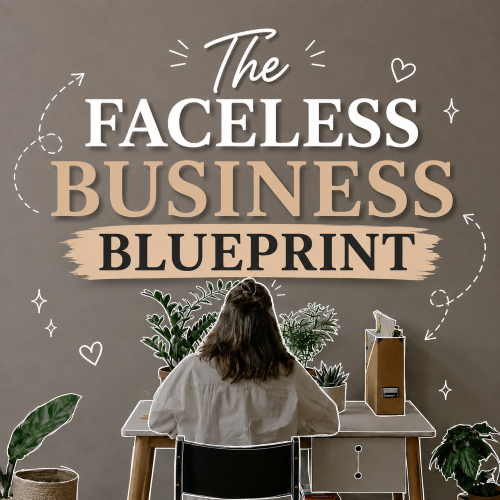
If you want to go deeper into building a faceless brand, creating content, growing an audience, monetization, and using digital products as part of your online business, take a look at The Faceless Creator Success Playbook.
It’s my downloadable beginner-friendly roadmap for people who want to build online without making themselves the face of everything.
Results aren’t guaranteed. Sales and income vary based on factors including your product, audience, pricing, marketing, demand, platform policies, and business strategy.
Keep Reading on MommaPrints
If you’re ready for the next step, read:
→ 15 Digital Products You Can Sell Online as a Beginner
→ 7 Ways to Make Money on Social Media Without Showing Your Face
→ 25 Faceless Content Ideas for Instagram, TikTok & Social Media
→ How to Make Money With a Faceless Instagram Account
Get Free Templates, Tips & Training 💌
Free Templates. Free Tips. Free Training. All for You.
Subscribe to MommaPrints to unlock exclusive freebies, early product drops, helpful faceless-business tips, and special discounts on MommaPrints digital products.
Follow MommaPrints on Pinterest 📌
Follow MommaPrints on Pinterest for more Canva digital product ideas, digital downloads, faceless Instagram tips, online side hustles, Pinterest growth tips, and beginner-friendly online business ideas.